Confidential apps are great! But they are so complex to build and deploy... are they really?
I will show you how to create your first confidential Go app running inside an Intel TDX VM with Oasis ROFL in a matter of minutes. Here is a sneak peek:
Continue reading to find out more...
Why would one create a confidential app?
Sooner or later, you will encounter a situation where you will have a high desire to run a program in a way that no one could peek into what is being computed (confidentiality) and prevent manipulation with the program's instructions (integrity). Examples are plenty, from signing transactions with private keys, to prompting AI models with sensitive data.
But even when confidentiality and integrity are desirable, we are usually put off by the complexity that is involved with running a program in a way that preserves both. Are things really so hard?
One option that is both easy to start with and offers the highest confidentiality and integrity guarantees is Oasis ROFL. It utilizes TEE technologies, namely Intel TDX and Intel SGX. It supports both regular single-binary apps as well as contemporary containerized apps. The latter are easier to ROFLize, so I'll go with this approach for this tutorial.
Prerequisites: Podman/Docker and Oasis CLI
We will create a simple Go app running in a Podman/Docker container.
Either Podman or Docker should be easily installable onto your machine. Consult their installation guides (Podman, Docker) for more details.
Note
I will use Podman (podman) in the rest of the article.
If you use Docker, just replace the podman command with docker.
Oasis CLI can be installed using Homebrew on Linux and macOS
(brew install oasis) or through
official upstream binaries on GitHub.
Consult Oasis CLI's Setup documentation for more information.
Create simple Go app
First we need to create a simple Go app that will run in a container.
Start by creating a new directory:
mkdir rofl-go-starter
cd rofl-go-starter
and adding the following files:
go.mod:
module rofl-go-starter

go 1.25
main.go:
package main

import (
    "log"
    "time"
)

func main() {
    log.SetFlags(log.LUTC | log.Ldate | log.Ltime)
    log.Println("rofl-go-starter: hello from TDX")
    for {
        time.Sleep(10 * time.Second)
        log.Println("rofl-go-starter: heartbeat")
    }
}
Containerfile:
FROM --platform=linux/amd64 golang:1.26.4-trixie AS build
# Specify working directory to override base image's default of /go and ensure
# reproducible builds.
WORKDIR /src
COPY go.mod ./
COPY main.go ./
# Build Go binary in a reproducible way:
# CGO_ENABLED=0: produce pure-Go static binary with no dependency on host's
#     C toolchain
# -trimpath: strip absolute filesystem paths out of the binary
# -buildvcs=false: prevent adding VCS data (e.g. git commit hash, dirty flag)
#     to the binary
# -ldflags="-buildid=": bland build ID
RUN CGO_ENABLED=0 \
    go build -trimpath -buildvcs=false -ldflags="-buildid=" -o /rofl-go-starter .

FROM scratch
COPY --from=build /rofl-go-starter /rofl-go-starter
ENTRYPOINT ["/rofl-go-starter"]
Test building the container by running:
podman build -t rofl-go-starter .
The output should print something similar at the end:
Successfully tagged localhost/rofl-go-starter:latest
59d237508e6e8c201ca273e5c92c83de1290b1faea88283196a8eea3f5cdefa9
Publish Go app's container to a public registry
To be able to ensure an app's integrity, Oasis ROFL requires that apps are built in a reproducible way.
We already took the necessary steps above to build the app's Go binary (and corresponding container image) in a reproducible way.
The second thing is to make the app's container image available in a public registry.
If you have a GitHub account, you can use the freely available GitHub Container Registry (GHCR).
Build the container image again with the appropriate tag of the form
ghcr.io/<GITHUB-USER>/rofl-go-starter:<VERSION>:
GHUSER=<GITHUB-USER> # replace with your GitHub user name
VERSION=0.1.0 # or use your desired version number
podman build -t ghcr.io/$GHUSER/rofl-go-starter:$VERSION .
If things completed successfully, you should see the same image tagged twice, for example:
Successfully tagged ghcr.io/tjanez/rofl-go-starter:0.1.0
Successfully tagged localhost/rofl-go-starter:latest
59d237508e6e8c201ca273e5c92c83de1290b1faea88283196a8eea3f5cdefa9
Browse to https://github.com/settings/tokens and generate a "classic" PAT by selecting the write:packages scope which gives it permission to upload packages to the GHCR (the dependent read:packages and repo scopes will be automatically selected).
Note
At the time of writing, the newer fine-grained tokens aren't supported with GitHub Packages yet.
Then login to the GHCR by running:
podman login ghcr.io -u $GHUSER
and pasting your newly generated PAT when asked for a password.
Now you are ready to publish the rofl-go-starter container image to GHCR:
podman push ghcr.io/$GHUSER/rofl-go-starter:$VERSION
One last thing is to make the rofl-go-starter container image on GHCR publicly
accessible (GitHub makes new packages private by default).
Browse to https://github.com/users/GITHUB-USER/packages/container/rofl-go-starter/settings
(replacing GITHUB-USER with your GitHub user name) and click
Change visibility under Danger Zone. Set it to Public and confirm by
entering rofl-go-starter in the text field.
Note
This only sets the rofl-go-starter container image to be public on GHCR.
The corresponding GitHub repository (if you created one) has separate
visibility settings and can remain private.
Set up new account in Oasis CLI
We will create a new Ethereum-compatible key pair that will be the administrator
account of the soon-to-be-created rofl-go-starter application we will register
with Oasis ROFL.
A simple way to create a new Ethereum-compatible key (i.e. a Secp256k1 key
using BIP-44 for derivation) is with Oasis CLI's oasis wallet create
subcommand:
oasis wallet create rofl_go_starter --kind file --file.algorithm secp256k1-bip44
You will need to choose a passphrase with which the private key is protected when stored in a file on your machine.
Note
Feel free to use your preferred option to generate an Ethereum-compatible private key (e.g. MetaMask, Ledger hardware wallet).
In this case, export the private key in hex form and import it to Oasis CLI with:
oasis wallet import rofl_go_starter
and choose Kind is private key and Algorithm is secp256k1-raw, and
finally paste your hex-encoded private key followed by 2 empty lines.
Choose a passphrase with which the imported private key will be protected
and you are done.
Confirm your rofl_go_starter account is successfully set up by running:
oasis wallet list
The output should contain something similar to:
ACCOUNT               KIND                         ADDRESS
rofl_go_starter (*)   file (secp256k1-bip44:0)     0x488347710509ff23C03C00fF66dA3aaeb566D61e
Lastly, you need to fund the account. For Testnet, use the
Oasis Testnet Faucet. Choose Sapphire as the network and enter your account
address (e.g. 0x488347710509ff23C03C00fF66dA3aaeb566D61e).
To confirm you've received TEST tokens, browse to Oasis Explorer and search for your address.
Initialize ROFL app from your Go app and register it on-chain
Oasis ROFL uses Compose file to specify how the containerized app is to be run
so let's create compose.yml file with the following contents:
services:
  go_starter:
    build: .
    image: ghcr.io/tjanez/rofl-go-starter:0.1.0
    platform: linux/amd64
    restart: unless-stopped
Replace ghcr.io/tjanez/rofl-go-starter:0.1.0 with your container image name.
Then run the following command to create the ROFL manifest (i.e. rofl.yaml)
for your rofl-go-starter app:
oasis rofl init
This should output something like:
Creating a new app with default policy...
Name:     rofl-go-starter
Version:  0.1.0
TEE:      tdx
Kind:     container
Created manifest in 'rofl.yaml'.
Run `oasis rofl create` to register your ROFL app and configure an app ID.
Proceed with registering the rofl-go-starter ROFL app on Sapphire Testnet by
running:
oasis rofl create --network testnet --account rofl_go_starter
This will ask you to unlock your rofl_go_starter account in your Oasis CLI
wallet and sign the rofl.Create transaction which registers the
rofl-go-starter as a ROFL app on the Sapphire Testnet chain.
If things were successful, you should see something like the following at the end of the output:
Transaction included in block successfully.
Round:            17491274
Transaction hash: 3441751d211553db8e6d7b18462ebf140056b446129fbde568dfe89409bcafb5
Execution successful.
Created ROFL app: rofl1qphpdgztdm6edd7fhaulpg47qghtcr7uzyfgua3w
The ROFL manifest should also be amended to include the new information under
the deployments key and you should be able to find your newly created ROFL app
on Oasis Explorer.
Build ROFL bundle for your ROFL app and update its on-chain registration
The next step is to build the so-called ROFL bundle for the rofl-go-starter
ROFL app:
oasis rofl build
This should produce the Testnet deployment ROFL bundle named
rofl-go-starter.testnet.orc and add the computed enclave identities to the
ROFL manifest file under the deployments.testnet.policy.enclaves key, e.g.:
deployments:
  testnet:
    # trimmed
    policy:
      # trimmed
      enclaves:
        - id: BPuQAQVS2DkLJC70l521aBVJTcfz70zhLXqVWqRSlHsAAAAAAAAAAAAAAAAAAAAAAAAAAAAAAAAAAAAAAAAAAA==
        - id: FmXtUEqGqWmPBrId7zCwG1PUbXoT69TpJTTBru+iDrAAAAAAAAAAAAAAAAAAAAAAAAAAAAAAAAAAAAAAAAAAAA==
# trimmed
The first is for the base firmware/runtime and the second is for the
rofl-go-starter app.
Afterwards, we need to update the rofl-go-starter ROFL app's on-chain
registration with these two locally computed enclave identities.
This will ensure Oasis ROFL only accepts attestations matching those identities.
Update on-chain registration by running:
oasis rofl update
This will ask you to unlock the rofl_go_starter account in Oasis CLI wallet
and sign the rofl.Update transaction which re-registers rofl-go-starter
ROFL app with these two newly added enclave identities.
If things went OK, you should see something like the following at the end of output:
Transaction included in block successfully.
Round:            17491666
Transaction hash: ac430190eec61a2b6f919965b8d33b20c051d5abb76b3882db4f3ce95b28696d
Execution successful.
Deploy your ROFL app
We are now at the exciting step when we'll actually deploy and run the simple Go app in a way that ensures both confidentiality and integrity.
Oasis Protocol Foundation kindly provides a free ROFL provider for the Testnet, so we can use it to deploy our app there.
Let's create a deployment with the playground_short offer and a 2-hour term:
oasis rofl deploy --offer playground_short --term hour --term-count 2
This will ask you to unlock the rofl_go_starter account in Oasis CLI wallet
and proceed with pushing the locally built ROFL bundle to the Oasis ROFL OCI
image registry hosted at rofl.sh.
Next, it will ask you to sign the roflmarket.InstanceCreate transaction that
will create a machine with the appropriate configuration.
If things were successful, you should see something like the following at the end of your output:
Transaction included in block successfully.
Round:            17492125
Transaction hash: 867adeaa241d3dfc1e3a987867b5a001b8de7113b74799d8fb2b0694d09fd26d
Execution successful.
Created machine: 000000000000062b
Deployment into machine scheduled.
This machine expires on 2026-06-13 14:33:37 +0200 CEST. Use `oasis rofl machine top-up` to extend it.
The ROFL manifest should be amended with two new keys:
deployments:
  testnet:
    # trimmed
    oci_repository: rofl.sh/67ce5956-2253-4a7d-a036-816e48279277:1781344823
    # trimmed
    machines:
      default:
        provider: oasis1qp2ens0hsp7gh23wajxa4hpetkdek3swyyulyrmz
        offer: playground_short
        id: 000000000000062b
The oci_repository key refers to the location of the ROFL bundle in the Oasis
ROFL OCI image registry and the machines key contains info where the ROFL app
is deployed.
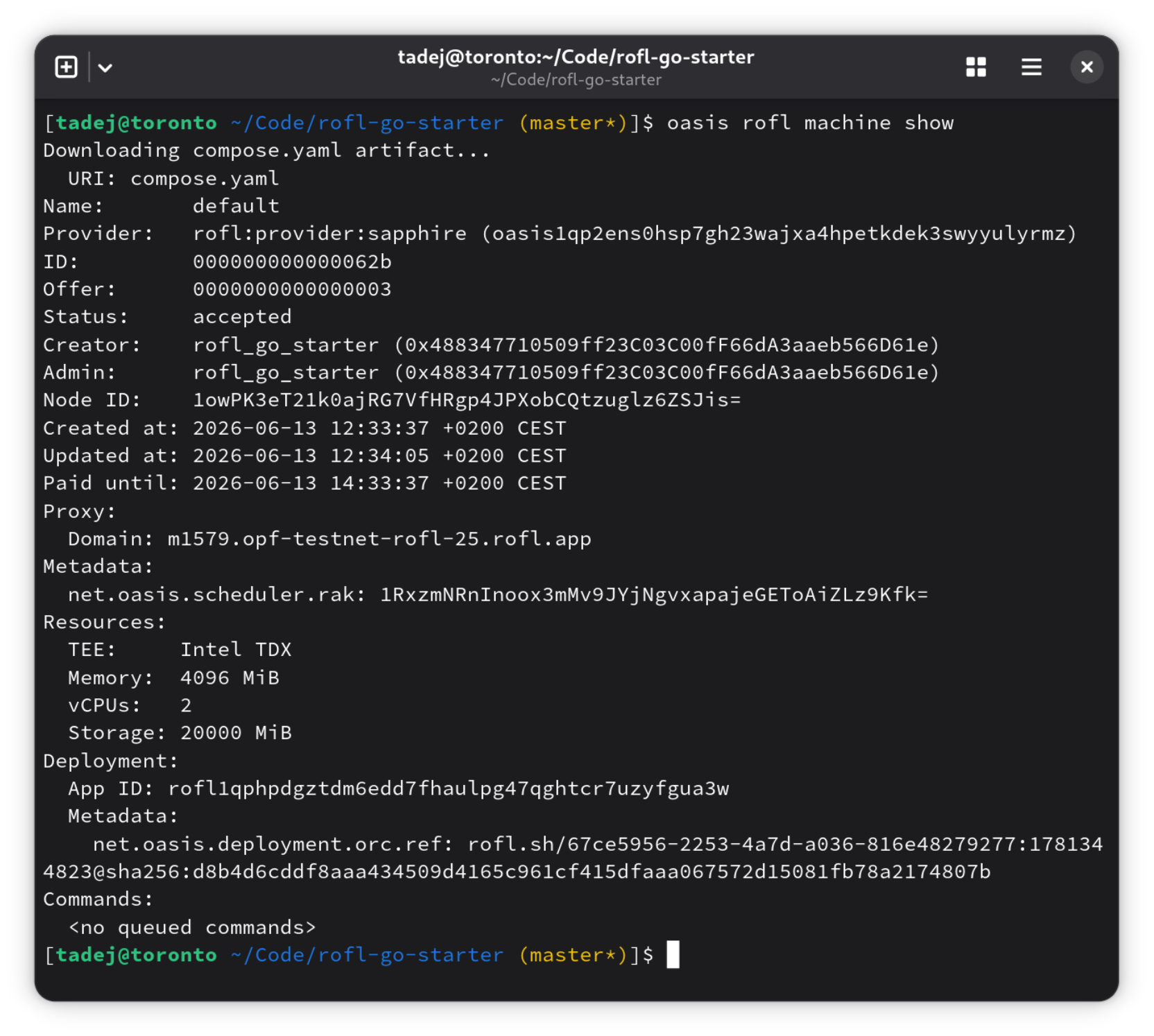
Running oasis rofl machine show should output something similar to:
Downloading compose.yaml artifact...
  URI: compose.yaml
Name:       default
Provider:   rofl:provider:sapphire (oasis1qp2ens0hsp7gh23wajxa4hpetkdek3swyyulyrmz)
ID:         000000000000062b
Offer:      0000000000000003
Status:     accepted
Creator:    rofl_go_starter (0x488347710509ff23C03C00fF66dA3aaeb566D61e)
Admin:      rofl_go_starter (0x488347710509ff23C03C00fF66dA3aaeb566D61e)
Node ID:    1owPK3eT21k0ajRG7VfHRgp4JPXobCQtzuglz6ZSJis=
Created at: 2026-06-13 12:33:37 +0200 CEST
Updated at: 2026-06-13 12:34:05 +0200 CEST
Paid until: 2026-06-13 14:33:37 +0200 CEST
Proxy:
  Domain: m1579.opf-testnet-rofl-25.rofl.app
Metadata:
  net.oasis.scheduler.rak: 1RxzmNRnInoox3mMv9JYjNgvxapajeGEToAiZLz9Kfk=
Resources:
  TEE:     Intel TDX
  Memory:  4096 MiB
  vCPUs:   2
  Storage: 20000 MiB
Deployment:
  App ID: rofl1qphpdgztdm6edd7fhaulpg47qghtcr7uzyfgua3w
  Metadata:
    net.oasis.deployment.orc.ref: rofl.sh/67ce5956-2253-4a7d-a036-816e48279277:1781344823@sha256:d8b4d6cddf8aaa434509d4165c961cf415dfaaa067572d15081fb78a2174807b
Commands:
  <no queued commands>
Finally, confirm your Go app is running inside the TDX virtual machine (VM) by inspecting its logs:
oasis rofl machine logs
This will ask you to unlock the rofl_go_starter account in Oasis CLI wallet
and proceed with outputting machine logs to your terminal.
Scroll to the end and if you see something similar to:
{"level":"warn","module":"runtime","msg":"containers_go_starter_1","ts":"2026-06-13T10:34:56.686098709Z"}
{"level":"info","module":"runtime/post_registration_init","msg":"everything is up and running","ts":"2026-06-13T10:34:55.259270357Z"}
{"level":"warn","module":"runtime","msg":"2026/06/13 10:34:55 rofl-go-starter: hello from TDX","ts":"2026-06-13T10:34:56.935886469Z"}
{"level":"info","module":"runtime/modules/rofl/app/registration","msg":"refreshed registration","result":"Simple(NullValue)","ts":"2026-06-13T10:35:01.339313629Z"}
{"level":"warn","module":"runtime","msg":"2026/06/13 10:35:05 rofl-go-starter: heartbeat","ts":"2026-06-13T10:35:06.7329312Z"}
{"level":"warn","module":"runtime","msg":"2026/06/13 10:35:15 rofl-go-starter: heartbeat","ts":"2026-06-13T10:35:16.771830645Z"}
{"level":"warn","module":"runtime","msg":"2026/06/13 10:35:25 rofl-go-starter: heartbeat","ts":"2026-06-13T10:35:26.813976014Z"}
you have just successfully created your first confidential Go app running in TDX VM with Oasis ROFL 🎉🎉🎉!
Conclusion
Ok, I admit it, it is still not very easy to deploy an app in a TEE, but I hope this article has shown it is also not immensely difficult anymore.
To make it easier to get started, all the code snippets used in this article are available in the ROFL Go Starter GitHub repo.
To continue exploring Oasis ROFL and what it can offer, check out its documentation.